Insert Tubes
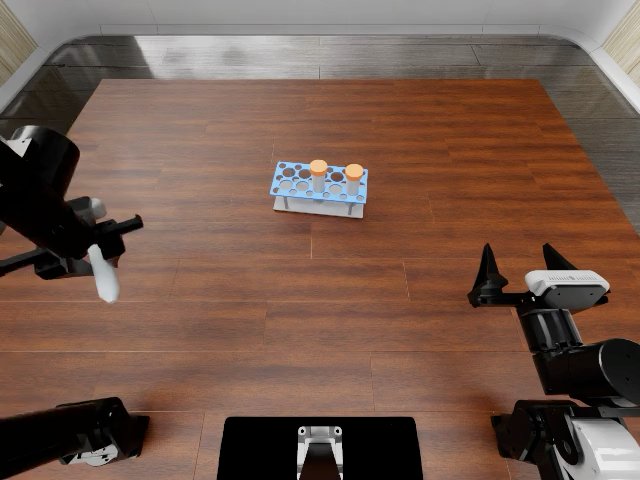
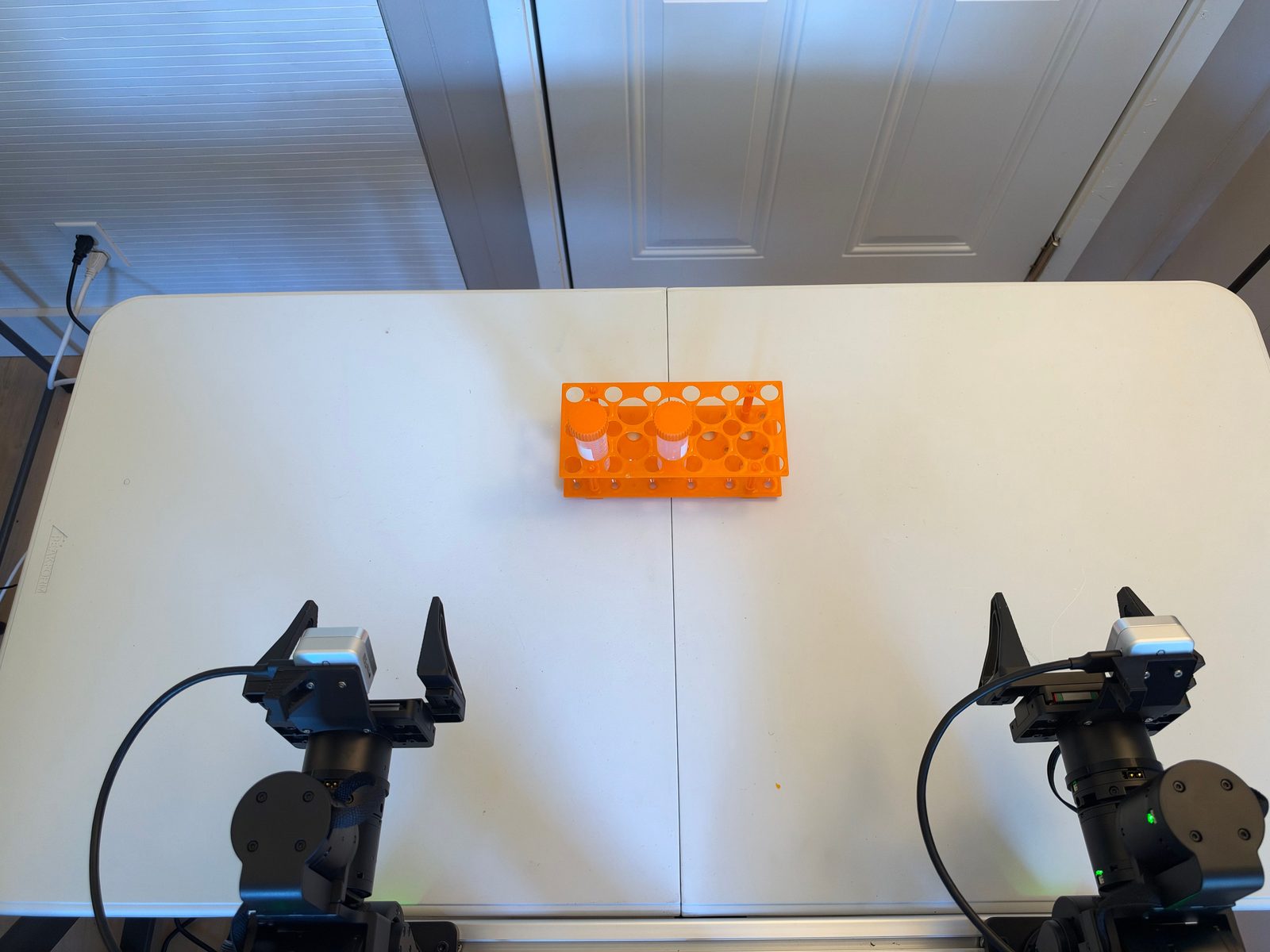
| Task ID | |
| SE3 language instruction | “Insert both capped tubes, one by one, into wells and of the orange rack.” |
| Official language instruction | Insert the three tubes into the rack one by one. |
| RoboDojo category | Precision |
| Materials | two capped specimen tubes and an orange multi-slot plastic rack. |
| Difference | SE3 has 2 tubes rather than 3, and many visually valid rack holes. The photo depicts the intended terminal placement, not a valid episode start. |
| RoboDojo task page | Insert Tubes |
Progress score
Score the highest milestone whose condition holds at the end of the episode; the episode succeeds at 100. Also record the failure mode and the execution metrics below.
A tube is seated when it stands upright in well or , seated to the marked depth.
| Progress | Condition |
|---|---|
| 0 | No milestone below is reached. |
| 10 | A tube is grasped and lifted clear of its holder. |
| 25 | A held tube's tip enters well or . |
| 50 | One tube is seated and the gripper is open. |
| 100 | Both tubes are seated and the rack is within its allowed footprint. Both arms are back at origin. |
Execution metrics
Record these alongside progress; they do not change it. Count over the whole episode, including events later corrected.
| Metric | What to count | Answer |
|---|---|---|
| Failed grasps | Grasps that close on or around a task object without lifting it clear of the table. | 0 · 1 · 2 · 3+ |
| Drops | Held objects that fall before they are released at a target. | 0 · 1 · 2 · 3+ |
| Missed insertions | Times a tube tip contacts the rack without entering a target well. | 0 · 1 · 2 · 3+ |
| Tubes dislodged | Inserted tubes pulled out or knocked over afterwards. | 0 · 1 · 2 · 3+ |
Randomization
Each episode samples every variable below and records its values.
| Variable | Domain |
|---|---|
| , | Two distinct wells among the rack's 8 tube-sized wells, numbered left to right, back row first. |
| Start layout | Rack position near the back, yaw within ±20°; both tubes outside the rack, at any position and yaw clear of the arms. |
Python SDK
from se3labs.sdk.eval.tasks import TaskRegistry

definition = TaskRegistry.get_task("ROBODOJO-REAL-21")
# Sample one episode's parameters and initial layout.
task = definition.sample(seed=42)
# Sample 20 episodes with separate seeds; seed=42 reproduces the same set.
tasks = definition.sample_set(seed=42, episodes=20)
Create and run a job:
from se3labs.sdk import eval_client

job = TaskRegistry.get_job(
    "ROBODOJO-REAL-21", policy=policy, seed=42, episodes=20,
)
report = eval_client.serve_policy("your-station", "your-relay:7443", job)
task.layout.visualize("layout.png") saves the sampled layout.