Plug In Charger
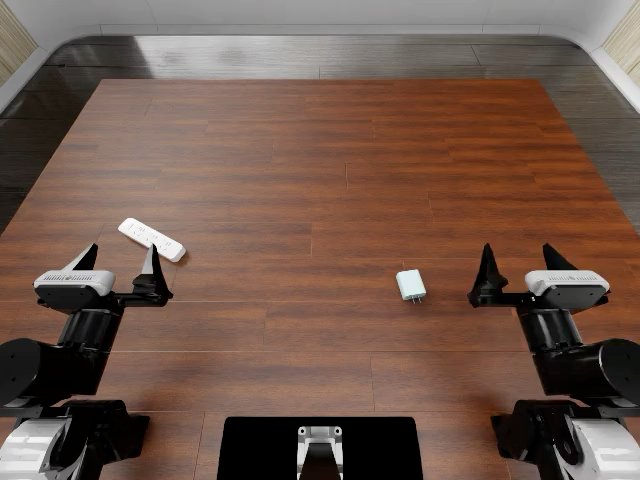
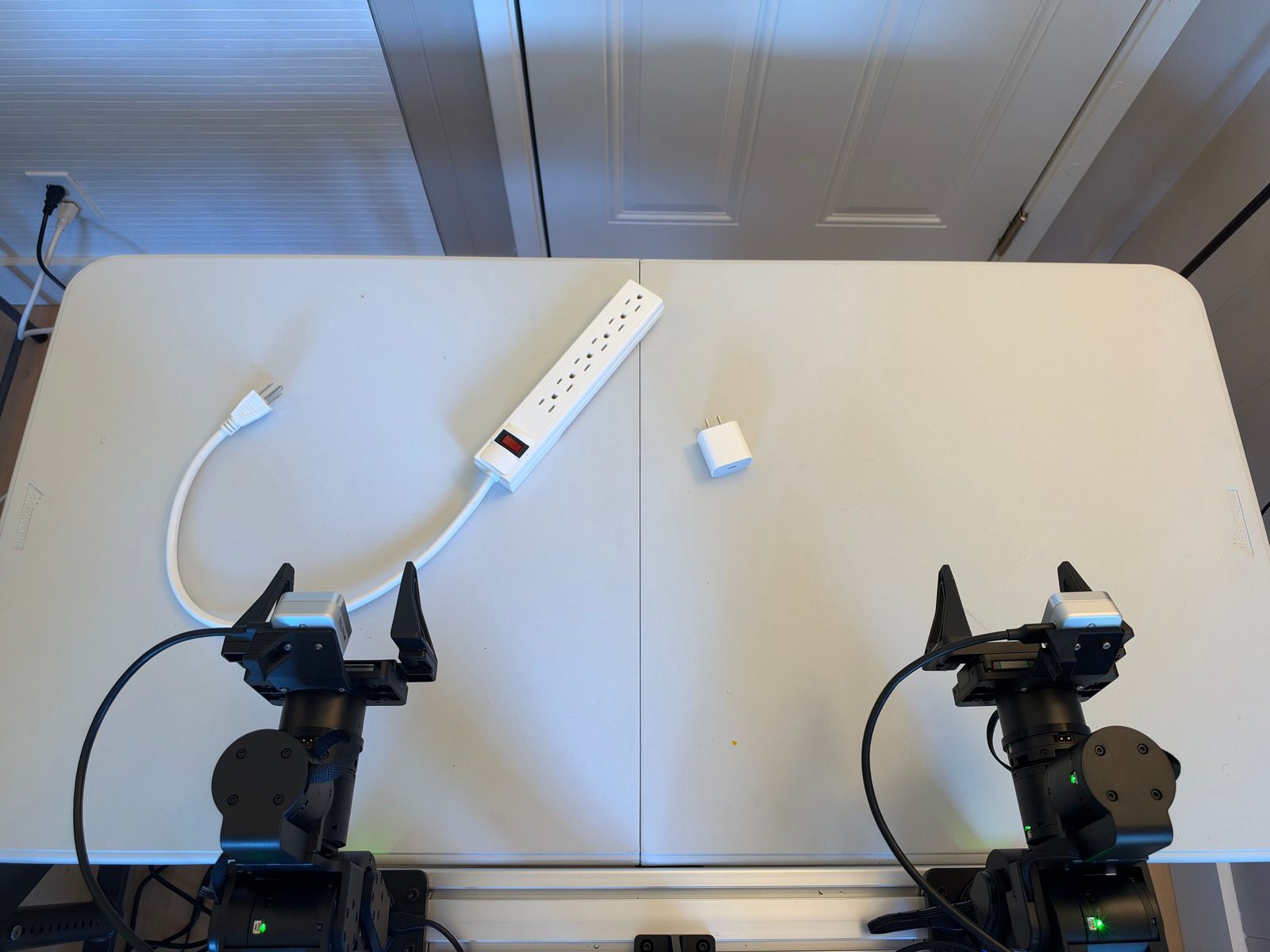
| Task ID | |
| SE3 language instruction | “Insert the white USB power adapter fully into outlet of the disconnected power strip.” |
| Official language instruction | Plug the charger into the power strip. |
| RoboDojo category | Precision |
| Materials | white USB wall adapter and a multi-outlet power strip with flexible power cord. |
| Difference | the real strip can translate/rotate, the cord can interfere with the workspace, and several sockets are valid unless one is designated. |
| Safety note | keep the power strip unplugged and de-energized for every rollout. |
| RoboDojo task page | Plug In Charger |
Progress score
Score the highest milestone whose condition holds at the end of the episode; the episode succeeds at 100. Also record the failure mode and the execution metrics below.
| Progress | Condition |
|---|---|
| 0 | No milestone below is reached. |
| 15 | The adapter is grasped and lifted clear of the table. |
| 35 | The adapter's prongs touch the face of outlet . |
| 60 | The prongs are partly inside outlet . |
| 100 | The adapter is seated flush and upright in outlet , no prong is exposed beyond the strip's normal fit, and the strip is within its allowed footprint. Both arms are back at origin. |
Execution metrics
Record these alongside progress; they do not change it. Count over the whole episode, including events later corrected.
| Metric | What to count | Answer |
|---|---|---|
| Failed grasps | Grasps that close on or around a task object without lifting it clear of the table. | 0 · 1 · 2 · 3+ |
| Drops | Held objects that fall before they are released at a target. | 0 · 1 · 2 · 3+ |
| Insertion attempts | Times the prongs touch the strip face before the final insertion. | 0 · 1 · 2 · 3+ |
| Strip displaced | Did the strip leave its allowed footprint at any time? | yes · no |
Randomization
Each episode samples every variable below and records its values.
| Variable | Domain |
|---|---|
| 1–6, counted from the switch end of the strip. | |
| Start layout | Strip position near the back, yaw within ±60°; adapter position and yaw anywhere, prongs up, clear of the arms. |
Python SDK
from se3labs.sdk.eval.tasks import TaskRegistry

definition = TaskRegistry.get_task("ROBODOJO-REAL-20")
# Sample one episode's parameters and initial layout.
task = definition.sample(seed=42)
# Sample 20 episodes with separate seeds; seed=42 reproduces the same set.
tasks = definition.sample_set(seed=42, episodes=20)
Create and run a job:
from se3labs.sdk import eval_client

job = TaskRegistry.get_job(
    "ROBODOJO-REAL-20", policy=policy, seed=42, episodes=20,
)
report = eval_client.serve_policy("your-station", "your-relay:7443", job)
task.layout.visualize("layout.png") saves the sampled layout.