Press By Number
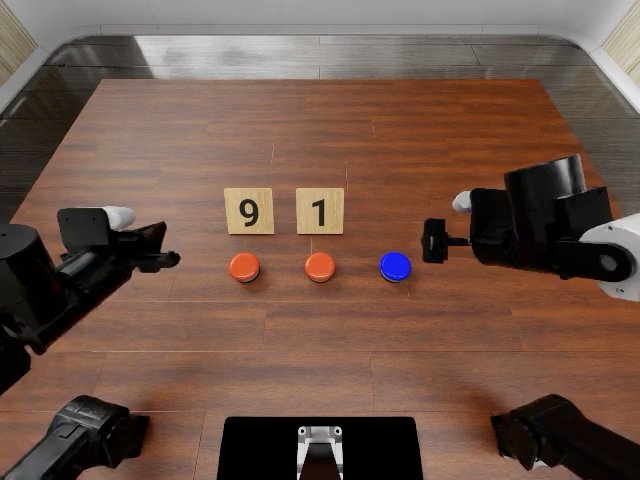
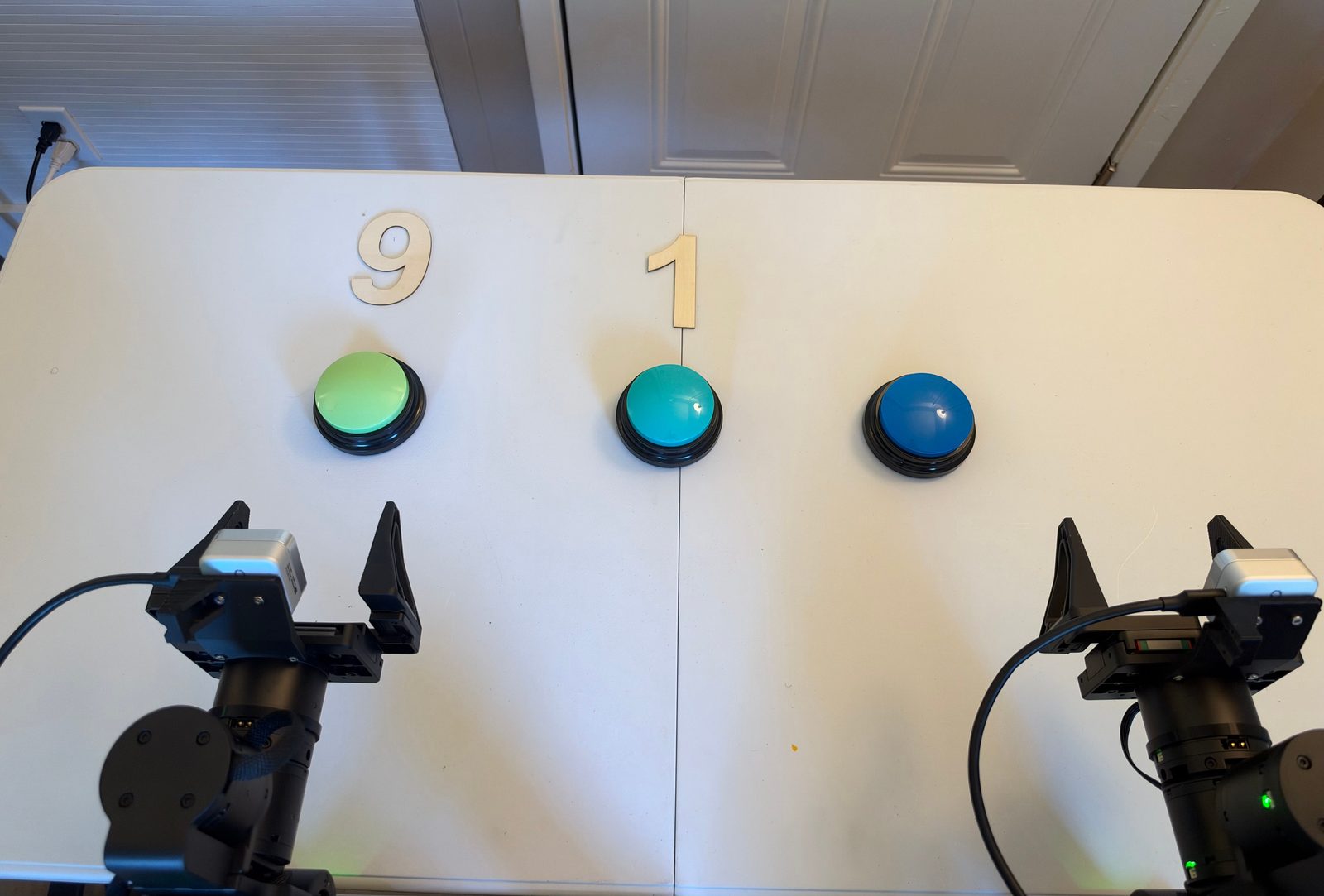
| Task ID | |
| SE3 language instruction | “Press the count button times, press the right dark-blue confirm button, press the count button times, press the right dark-blue confirm button again.” |
| Official language instruction | Press the two red buttons the required number of times according to the number cards, then press the blue button to confirm. |
| RoboDojo category | Memory |
| Materials | wooden number cards showing and , each above its count button; three large push buttons colored green/cyan/dark blue from left to right. |
| Difference | the count buttons are not red. The official high-level instruction mentions one final confirmation, while the official scoring rule requires confirmation after each count; use the scoring rule because it is more specific. |
| RoboDojo task page | Press By Number |
Progress score
Score the highest milestone whose condition holds at the end of the episode; the episode succeeds at 100. Also record the failure mode and the execution metrics below.
| Progress | Condition |
|---|---|
| 0 | No milestone below is reached. |
| 10 | The first press is on the count button. |
| 30 | The count button was pressed exactly times with no other press. |
| 45 | Then the right confirm button was pressed once. |
| 75 | Then the count button was pressed exactly times with no other press. |
| 100 | Then the right confirm button was pressed once, with no extra, missing, or out-of-order press. Both arms are back at origin. |
Execution metrics
Record these alongside progress; they do not change it. Count over the whole episode, including events later corrected.
| Metric | What to count | Answer |
|---|---|---|
| First count presses | Registered presses of the count button; target . | exact count |
| Second count presses | Registered presses of the count button; target . | exact count |
| Confirm presses | Registered presses of the right confirm button; target 2. | exact count |
| Order kept | Did every press follow → confirm → → confirm? | yes · no |
Randomization
Each episode samples every variable below and records its values.
| Variable | Domain |
|---|---|
| , | The left and middle count buttons, in either order; the right button always confirms. |
| , | Two different numbers from 1–7 or 9, each shown on the card above its count button. |
Python SDK
from se3labs.sdk.eval.tasks import TaskRegistry

definition = TaskRegistry.get_task("ROBODOJO-REAL-17")
# Sample one episode's parameters and initial layout.
task = definition.sample(seed=42)
# Sample 20 episodes with separate seeds; seed=42 reproduces the same set.
tasks = definition.sample_set(seed=42, episodes=20)
Create and run a job:
from se3labs.sdk import eval_client

job = TaskRegistry.get_job(
    "ROBODOJO-REAL-17", policy=policy, seed=42, episodes=20,
)
report = eval_client.serve_policy("your-station", "your-relay:7443", job)
task.layout.visualize("layout.png") saves the sampled layout.